Tips 19/01/2026 15:14
Simple and Effective Ways to Clean Your Phone Speaker at Home
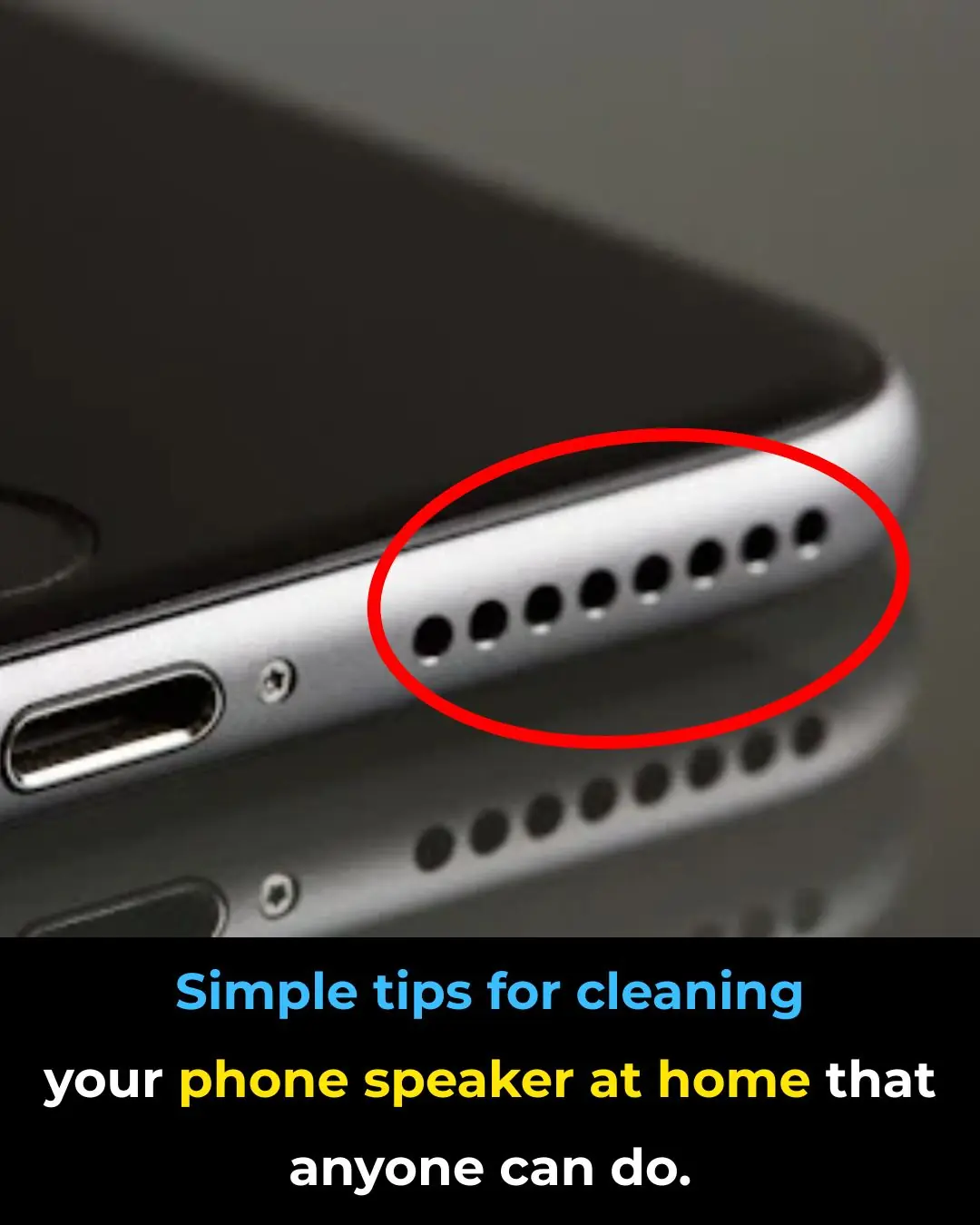
After a period of use, dust and debris can accumulate in your phone’s speaker, leading to reduced sound quality. Cleaning the speaker regularly can help restore clearer, louder audio and improve your overall user experience.
Phone speakers are especially prone to collecting dirt. This not only affects the appearance of the device but can also cause the sound to become quieter or distorted. While a dirty speaker is not a serious issue, proper cleaning is recommended to maintain good audio performance.
Things to Prepare Before Cleaning
Before cleaning your phone speaker, make sure to turn off the device completely. You should also prepare some basic tools such as:
-
A phone or computer cleaning kit
-
Cotton swabs or a soft cloth
-
70% isopropyl alcohol or phone-cleaning solution
-
A soft-bristle brush
-
A mini vacuum or compressed air spray (designed for electronics)
1. Cleaning the Speaker with Soft Materials
First, identify the location of your phone’s speaker. On iPhones, speakers are usually located on both sides of the charging port. On Android devices, the speaker may be on either side or at the bottom.
Use a cotton swab to gently rotate and clean the speaker grille, helping remove dust trapped inside. You can also use a soft brush to sweep dust out. Brush gently in different directions (up, down, and sideways) to remove as much dirt as possible.
If you have 70% alcohol, lightly dip the cotton swab into it and gently clean the speaker area. Alcohol evaporates quickly, so after cleaning, leave the phone in a well-ventilated place until it dries completely.
2. Cleaning the Speaker with Adhesive Tape
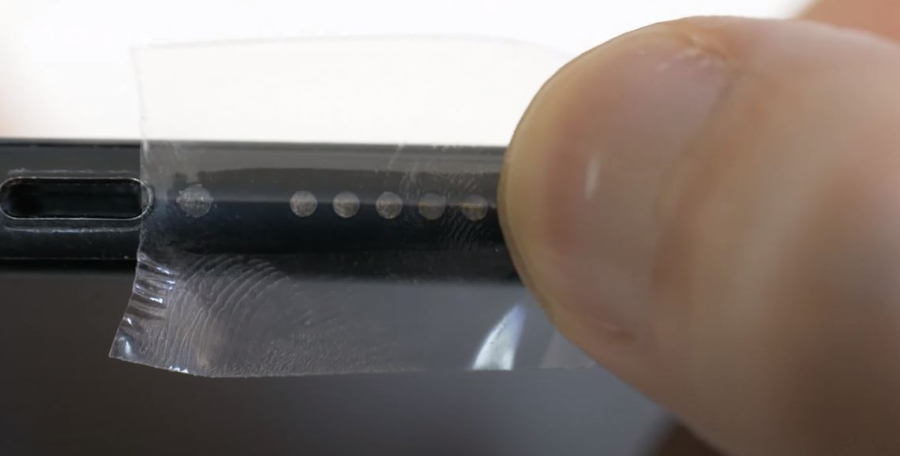
Roll a small piece of adhesive tape into a cylinder with the sticky side facing outward. Carefully insert it into the speaker grille. Dust and debris will stick to the tape. Replace the tape and repeat until the speaker appears clean.
Alternatively, place a flat piece of tape over the speaker. Use a toothpick or similar object to gently press the tape into the speaker holes so dust adheres to it. Remove the tape and repeat as needed.
3. Cleaning the Speaker with Compressed Air
You can use a compressed air can designed for electronics to blow dust out of the speaker. Before use, carefully read the instructions on the product. Test the spray a few times to ensure it works properly.
Hold the spray nozzle at a safe distance from the speaker and apply 3–4 short bursts of air. Do not place the nozzle too close to the speaker, as strong air pressure may damage internal components.
4. Cleaning the Speaker Using Sound
In addition to manual cleaning, you can use sound frequencies to help remove dust from the speaker. Some applications generate specific sound waves designed to push debris out of the speaker, such as:
-
Frequency Sound Generator
-
Speaker Cleaner
-
Sonic
Simply follow the instructions provided in the app for best results.
Cleaning Other Phone Ports
Besides the speaker, you can use similar methods to clean other phone ports, such as the charging port or headphone jack. Always clean gently and avoid using sharp or metallic objects.
News in the same category
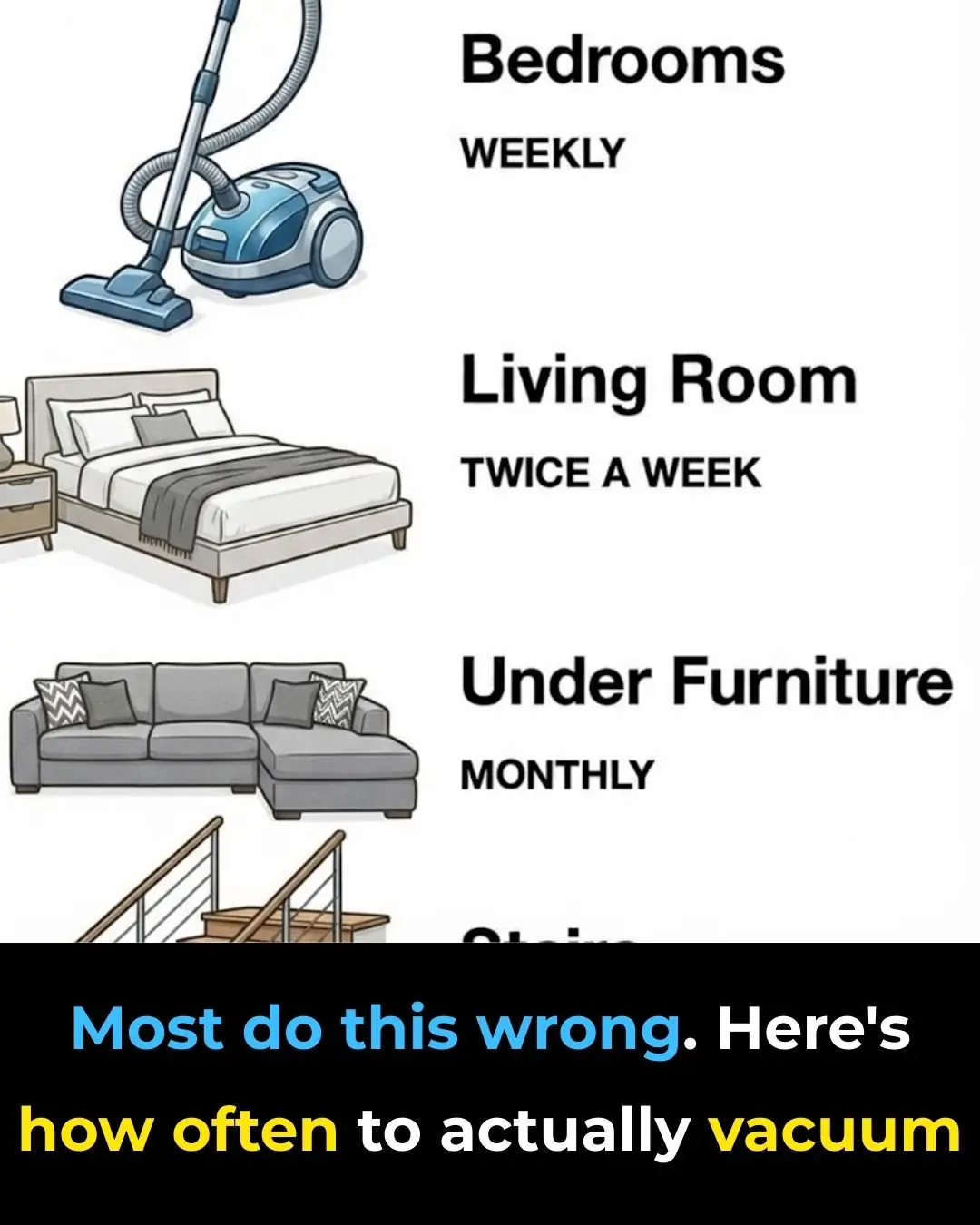
Most do this wrong. Here’s how often to actually vacuum

Water your peace lily with this water, and it will bloom all year round.
3 safe and effective ways to get rid of cockroaches at home without affecting your family's health.
Why should you soak dried fish in rice water before frying it?

🚰 Is Drinking Water First Thing in the Morning Beneficial? What Science Says
What Mixing Vinegar, Salt, and Water Does?
Trick That Makes Cloudy Glasses Shine
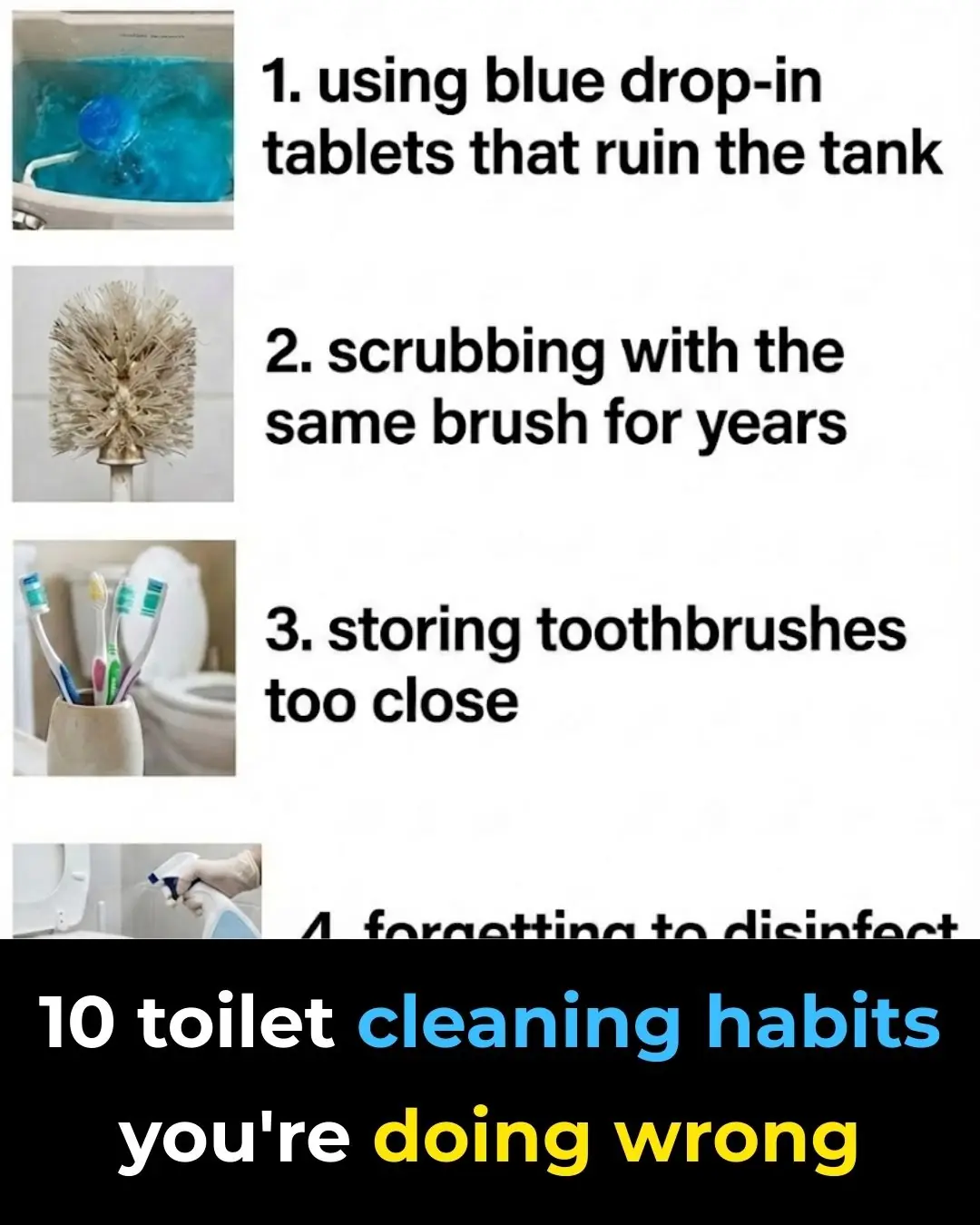
10 toilet cleaning habits you’re doing wrong

A Single Act of Kindness at the Airport Could Ruin Your Life

How to Soften Rock-Hard Frozen Meat in Just Minutes for Easy Cooking

How to Clean a Mattress at Home Effectively
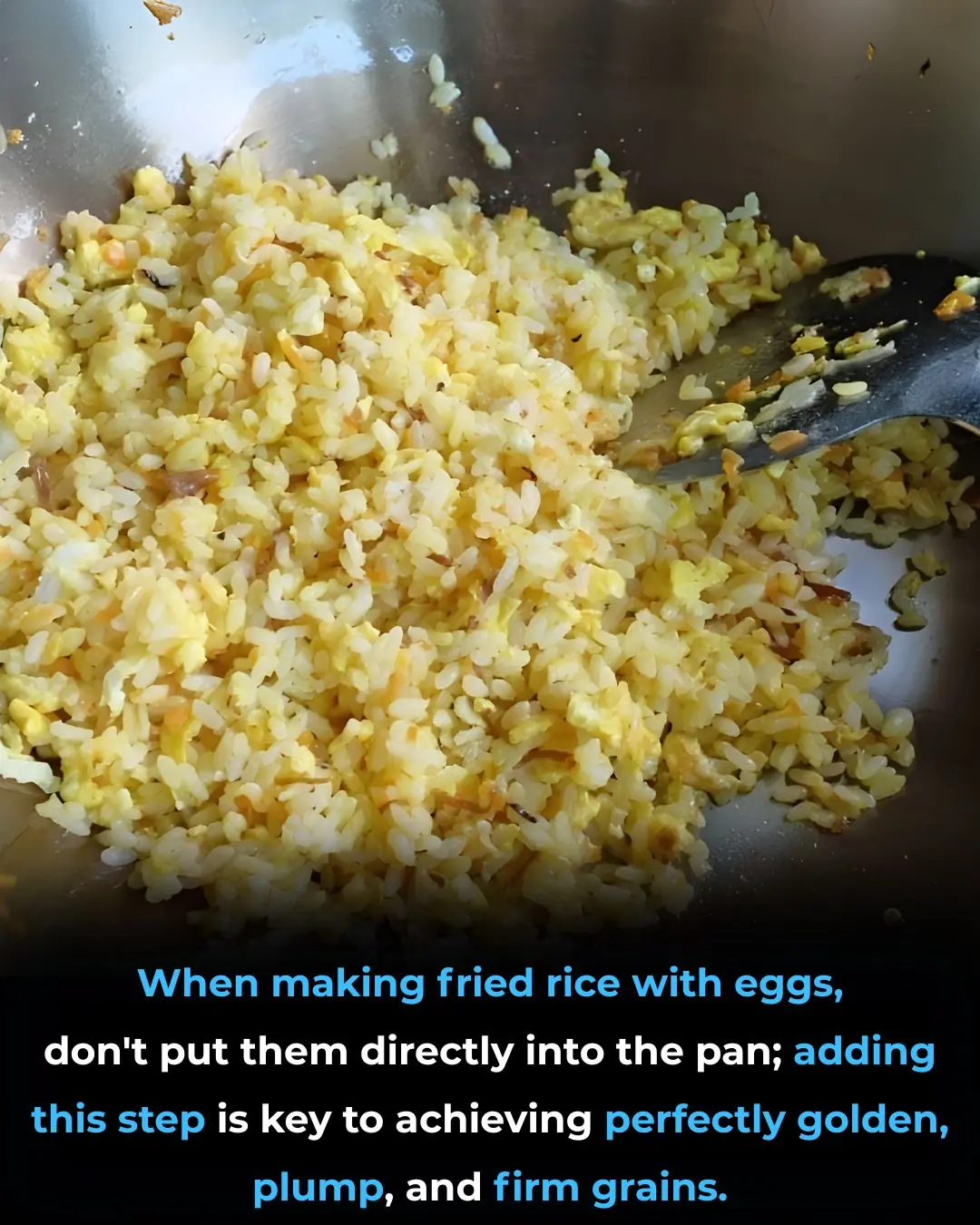
When making fried rice with eggs, don't put them directly into the pan; adding this step is key to achieving perfectly golden, plump, and firm grains.
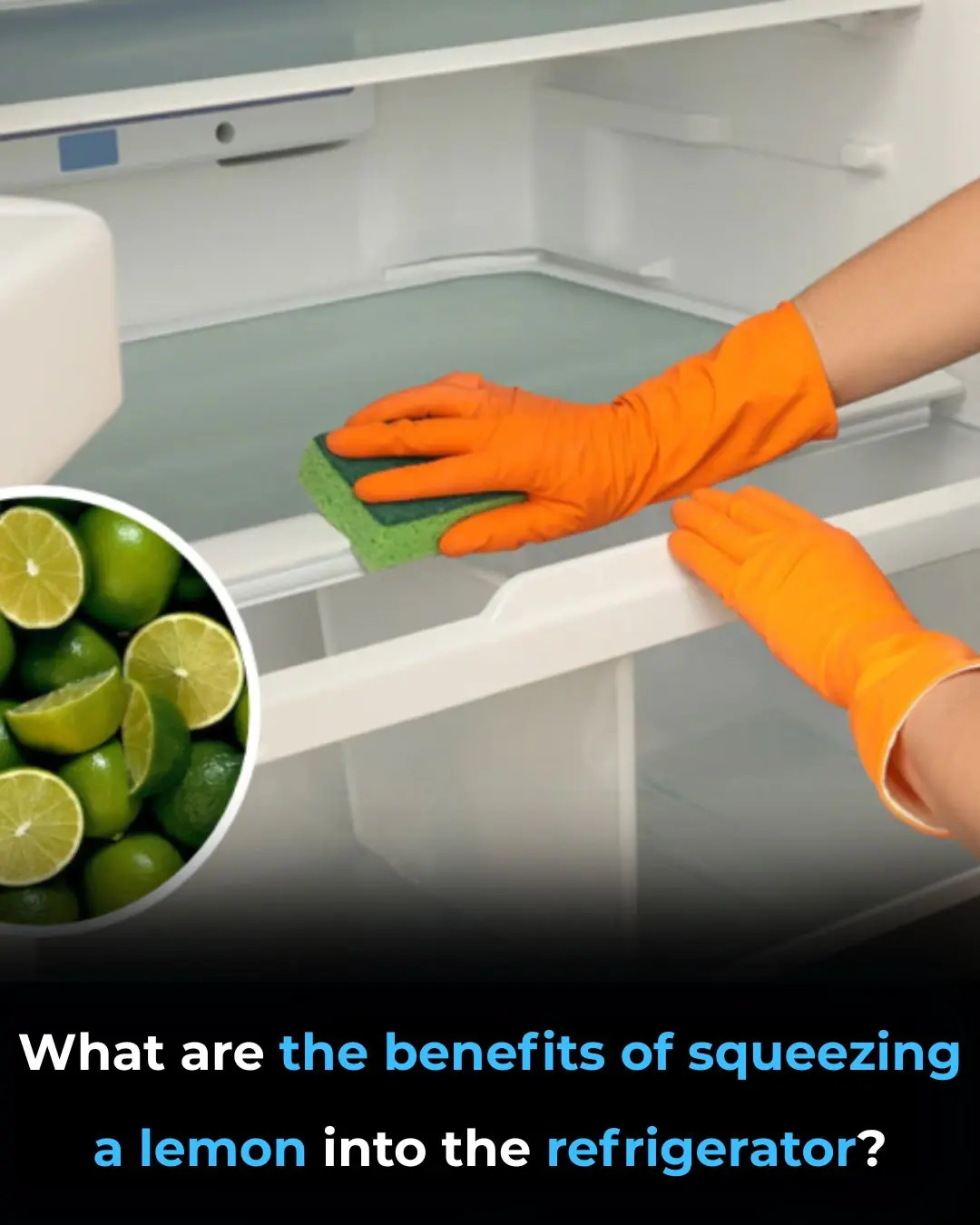
What are the benefits of squeezing a lemon into the refrigerator?

Tips for frying crispy and delicious banh chung (Vietnamese sticky rice cake) without absorbing too much oil.

Eat Chia Seeds For Omega-3s, Snack on Dark Chocolate For Iron, and 3 More Health Tips

What Is a Hernia?

When frying tofu, don't just put it straight into the pan; do these two extra steps to make the tofu crispy, delicious, and prevent it from becoming mushy or sticking.
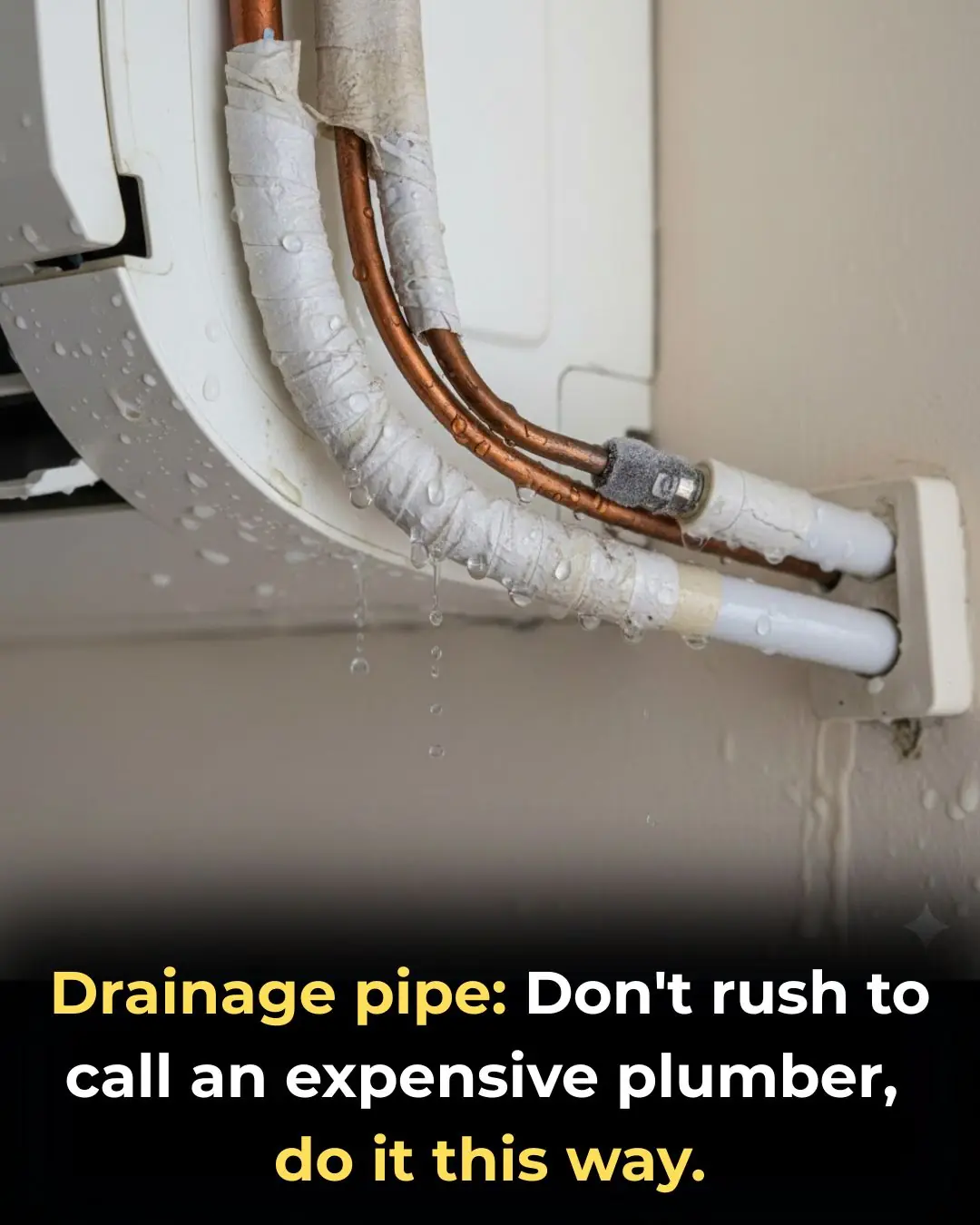
Drainage pipe: Don't rush to call an expensive plumber, do it this way.
News Post

The Vegetable Known as a “Natural Calcium Pill”: Containing Three Times More Calcium Than Milk and Seven Times More Than Eggs
Health 19/01/2026 17:21

The Natural Remedy Everyone Aged 30–75 Should Try
Health 19/01/2026 16:39

Cocklebur Uncovered: The Surprising Healing Potential of Xanthium Strumarium
Health 19/01/2026 16:36

The Secret Lemon and Nopal Drink That Can Transform Your Wellness Routine
Health 19/01/2026 16:34

Boy Receives 38 Stitches After Refrigerator Explosion: Warning Against Storing These Items in the Freezer
Health 19/01/2026 15:10

Check This Spot on a Crab’s Shell to Ensure Sweet, Meaty Flesh Every Time
Health 19/01/2026 15:07
Want to Cut Back on Starches Without Feeling Hungry? Add These 6 Nutritious Vegetables to Your Diet
Health 19/01/2026 14:20
Effective Natural Ways to Control Slugs in Home Vegetable Gardens
Tips 19/01/2026 14:16

Natural Energy Booster: Ginger and Tomato for All-Day Vitality
Health 19/01/2026 14:12
Most do this wrong. Here’s how often to actually vacuum
Tips 19/01/2026 14:09

Browns' Shedeur Sanders debuts after Dillon Gabriel concussion
News 19/01/2026 13:55

Tekashi 6ix9ine’s mom held at gunpoint in home invasion
News 19/01/2026 13:50

TikTok Star Girlalala Dies at 21 as Boyfriend Is Arrested on First-Degree Murder Charge
News 19/01/2026 13:47
Water your peace lily with this water, and it will bloom all year round.
Tips 19/01/2026 11:35
3 safe and effective ways to get rid of cockroaches at home without affecting your family's health.
Tips 19/01/2026 11:34
Why should you soak dried fish in rice water before frying it?
Tips 19/01/2026 11:33
🚰 Is Drinking Water First Thing in the Morning Beneficial? What Science Says
Tips 18/01/2026 23:18

The Nightly Choice That Could Protect or Endanger Your Brain
Health 18/01/2026 23:16
What Mixing Vinegar, Salt, and Water Does?
Tips 18/01/2026 23:11