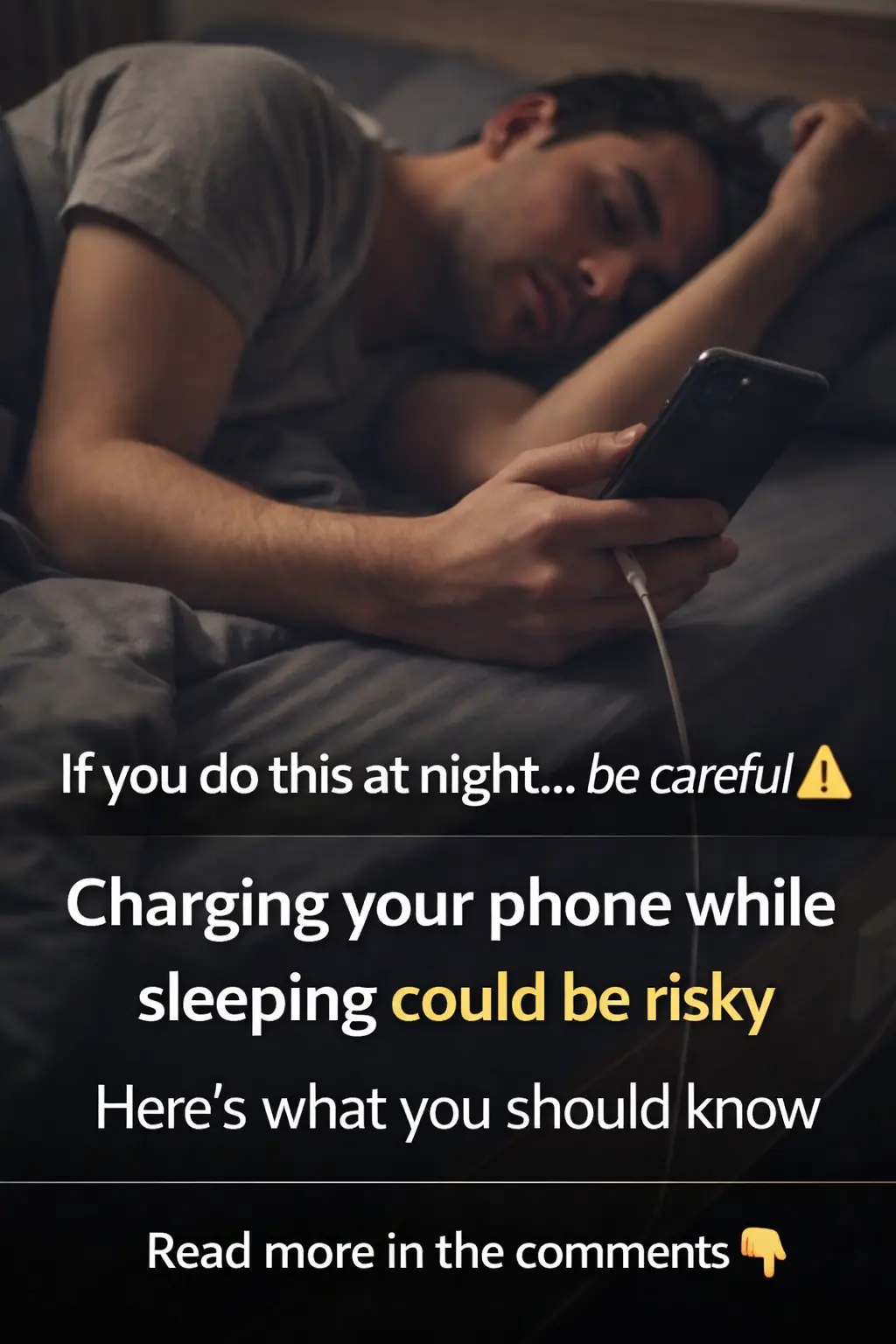
Apple issues major warning for people who charge their iPhones while they sleep
News 06/04/2026 22:03
Millions of iPhone users have already upgraded to iOS 26, but the transition hasn’t been effortless for everyone. Major updates from Apple often bring sleek new features but also subtle changes that can disrupt familiar habits. This year’s most divisive addition, the Liquid Glass visual redesign, has already sparked debates, and many users have found themselves digging through menus trying to restore their phones to a look and feel they prefer.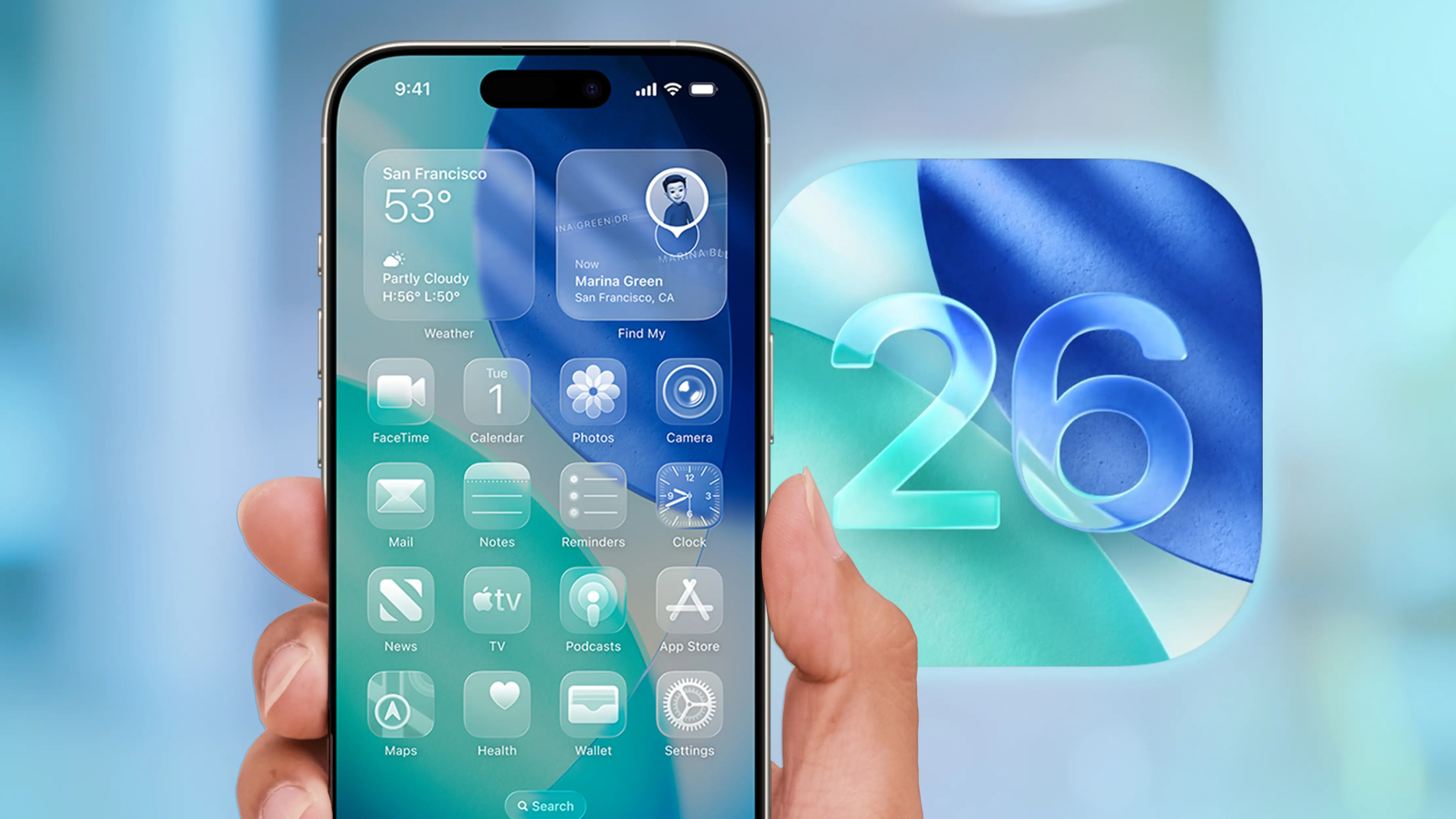
Beyond the obvious interface changes, iOS 26 includes many small adjustments that aren’t immediately visible but can noticeably impact everyday use. Apple doesn’t always make configuration options easy to find, leaving some users confused or struggling to adapt for weeks. Luckily, iPhone experts have highlighted several impactful settings worth tweaking right after updating—simple choices that can greatly improve the overall experience.
One of the first features to examine is the new blur effect on the Always On Display. As part of Apple’s Liquid Glass aesthetic, wallpapers are now automatically blurred when the screen dims. While intended to add depth, it often hides details that users intentionally selected for their background. Switching off the wallpaper blur in the Display & Brightness settings instantly restores clarity and makes the Always On Display feel more personal again.
Another change worth considering involves the longstanding swipe gesture that opens the camera from the lock screen. For years, this shortcut has made it incredibly easy to snap photos in an instant. But as newer iPhones introduce physical buttons and additional shortcuts to open the camera more efficiently, some users are finding themselves triggering the swipe gesture accidentally. Turning off swipe-to-open helps prevent unintended camera launches and can even reduce the risk of privacy concerns while the phone is locked.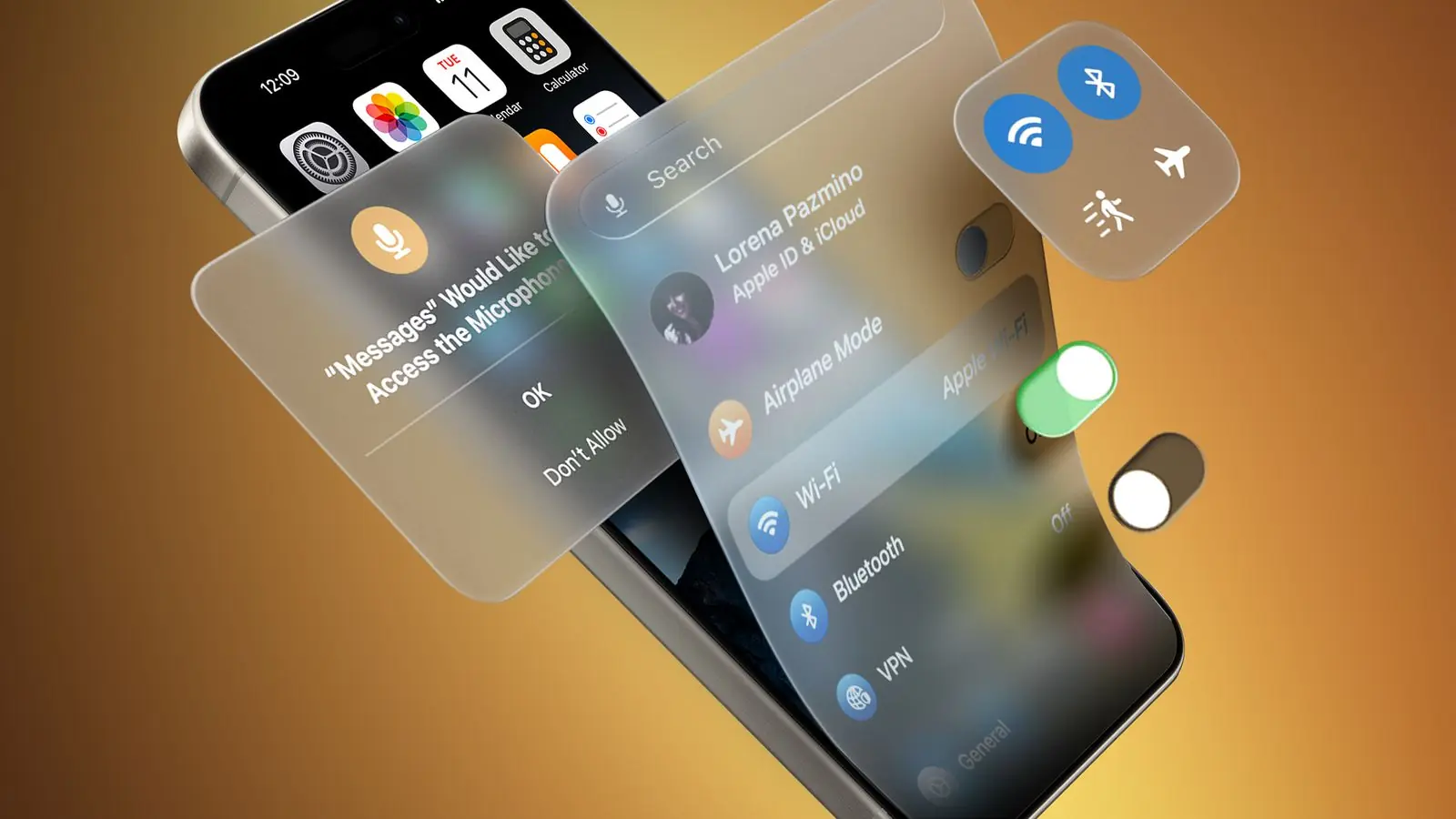
Battery life is also getting attention in iOS 26 with the introduction of Adaptive Power, a feature that intelligently manages performance based on how you’re using your device. Unlike Low Power Mode, which heavily restricts processes, Adaptive Power quietly adjusts background activity, brightness, and animations throughout the day. It offers a much more balanced approach, giving most users a noticeable improvement in battery life without sacrificing smooth performance. It’s one of those features that you might not realize you needed until you try it.
A surprisingly delightful addition in iOS 26 is sleep detection for AirPods. If you’re someone who drifts off while listening to music or podcasts, your AirPods can now detect when you’ve fallen asleep and automatically pause whatever you’re playing. This prevents you from losing your place in long episodes or draining battery overnight. The setting is tucked away in the AirPods menu, but once enabled, it quickly becomes one of those quiet features that just makes life easier. Apple has also introduced a new option to ensure your headphones stay the priority device when multiple Bluetooth connections are available—a relief for users who constantly battle between car systems, speakers, and TVs.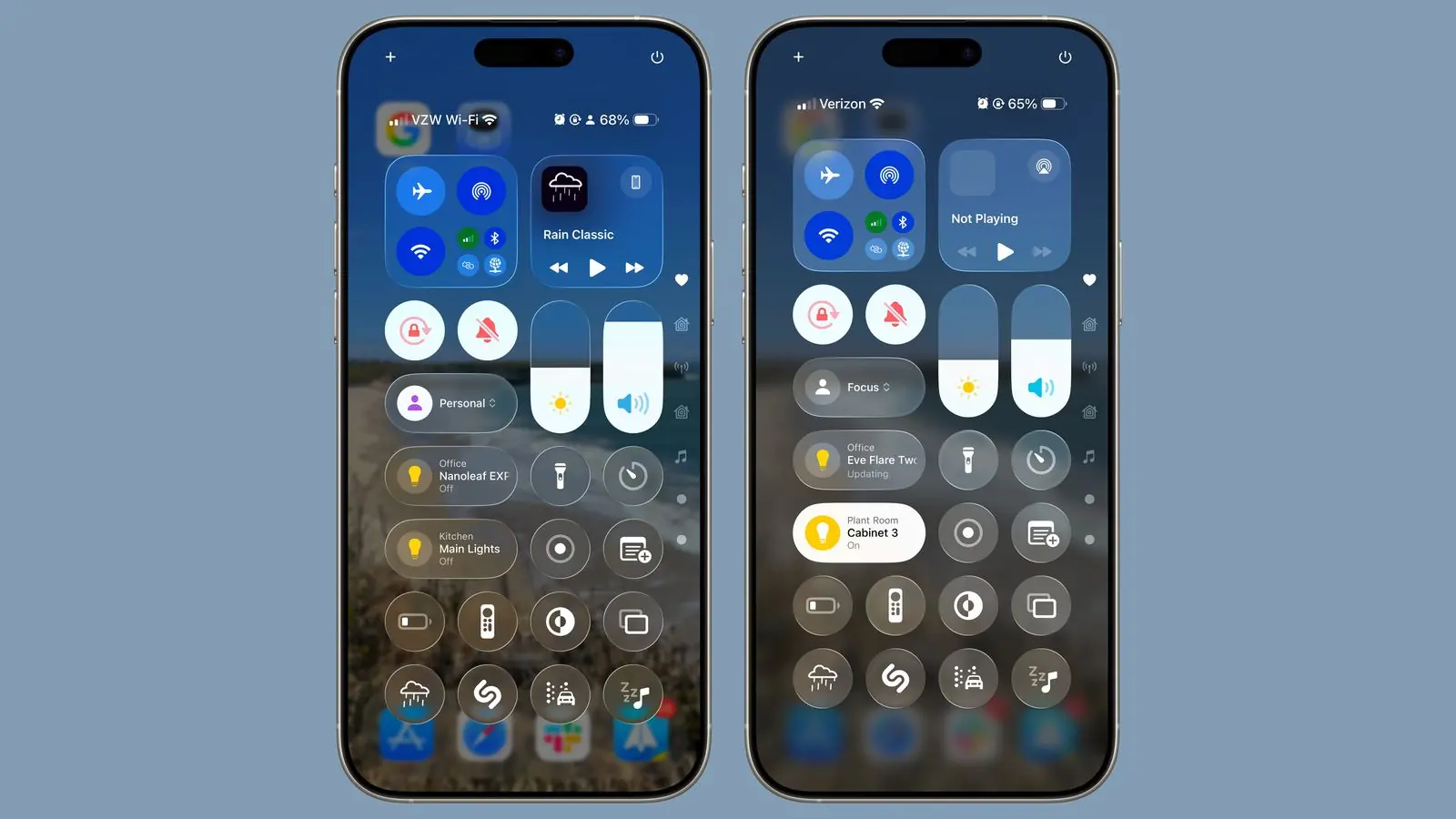
Of course, the most controversial aspect of iOS 26 remains the Liquid Glass design, which adds reflective surfaces and tinted translucency across menus and widgets. While some users appreciate the modernized look, others feel it’s too bold and distracting. In a rare move that acknowledges user feedback, Apple now lets you soften or reduce the effect. Switching to the “Tinted” variation creates a cleaner, calmer interface without fully abandoning the new design language.
With each major iOS release, Apple blends innovation with experimentation, and not every change will suit every user. But with a few thoughtful adjustments, iOS 26 can feel far more polished, personalized, and natural. These simple setting tweaks help transform the upgrade from something overwhelming into an operating system that feels familiar, functional, and genuinely improved.